


Tips for making the most of OS Maps this spring
Make your spring walks easier and more enjoyable with the OS Maps app
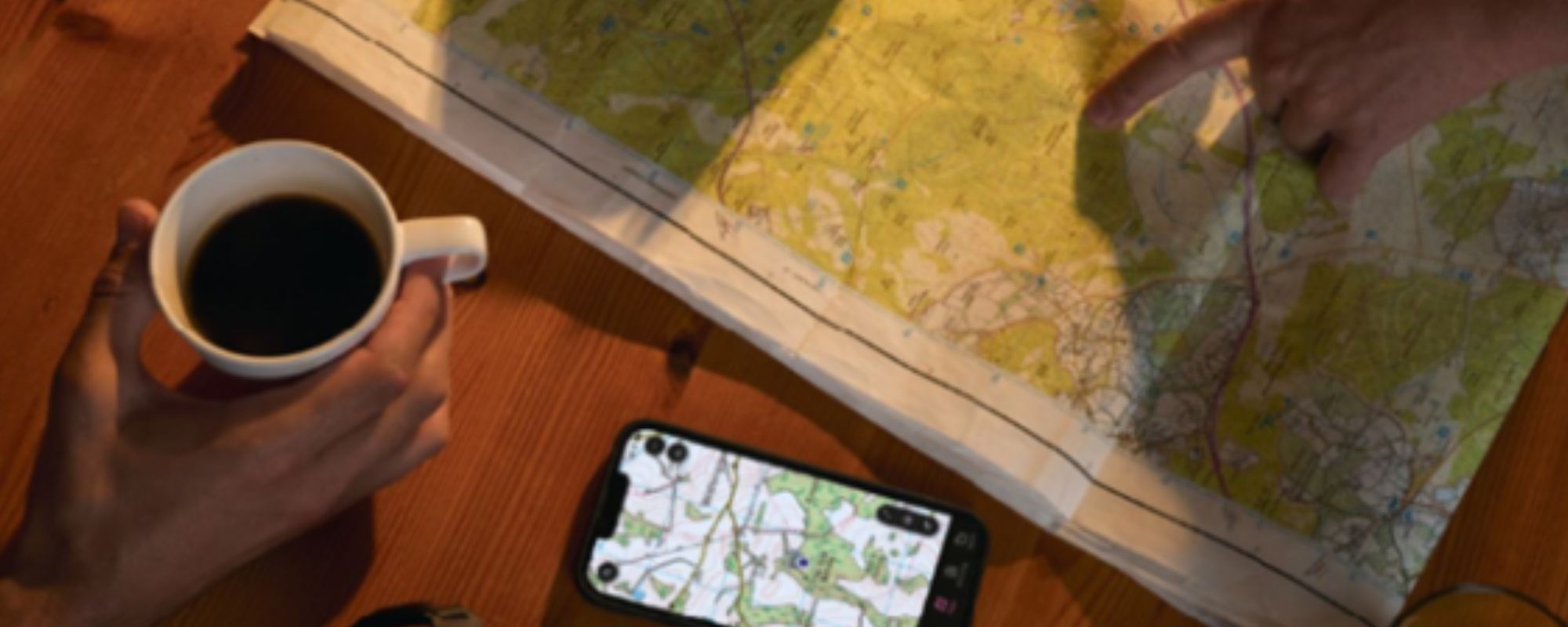
Sponsored content
You don’t need to be told that spring is one of the best times to get outside. Paths are drying out, daylight is stretching, and wildlife is waking up. The return of longer days makes it easier to fit in relaxed walks and that sun on your face and warmer weather feels amazing.
Spring is a great time to freshen up your walking kit and find new routes to explore. It is also the ideal moment to revisit the OS Maps app and make use of its tools to help you feel confident planning safe and inspiring walks. With over half a million premium subscribers and more than a million active users each month, OS Maps is one of the most trusted navigation tools for UK walkers, and we’d love to share what people like most about it.
OS Maps features worth testing this spring
The premium version of the OS Maps app has some great features that will come in handy when doing or planning your next walk. You may already be one of our regular users, however we hope these tips will help you get even more from the app.
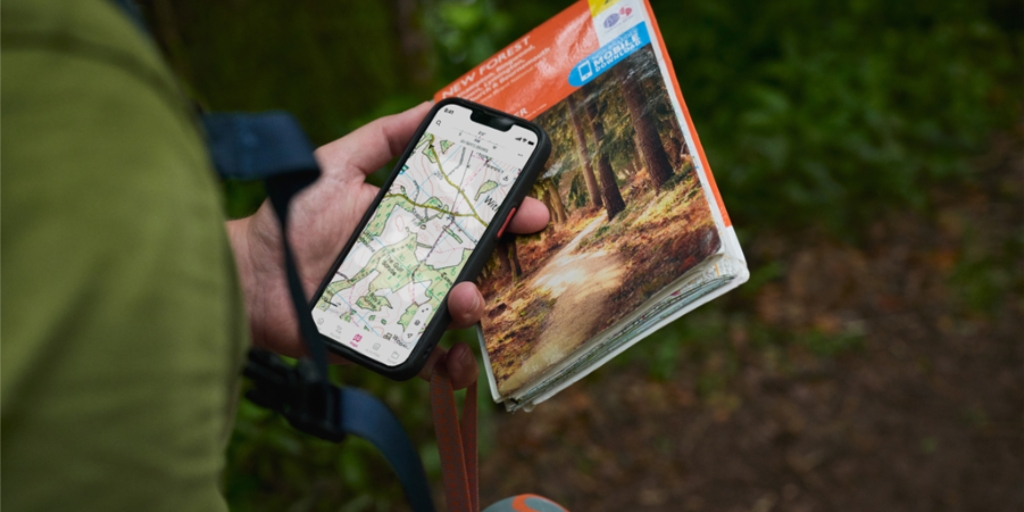
Access every OS Explorer and Landranger map
Premium members can view all 607 OS Leisure maps across Great Britain in full topographic detail, giving complete coverage for planning your springtime walks and adventures.
Tip: Before a group walk, zoom into tricky sections like valley crossings, forest edges or complex junctions. Having the full map detail helps you anticipate decision points and brief others with confidence. While you’re on a walk, there’s nothing like opening the map on your phone and knowing exactly where you are!
Download maps for offline use
Signal blackspots are common on rural paths. A Premium subscription allows you to download map areas or entire routes so you can follow them confidently without mobile reception. You can also export the GPX files to other devices like watches or cycle computers.
Tip: Download your route and a wider surrounding area before heading out. If you need to make a spontaneous detour because of weather, illness or path closures, you will still have full mapping available.
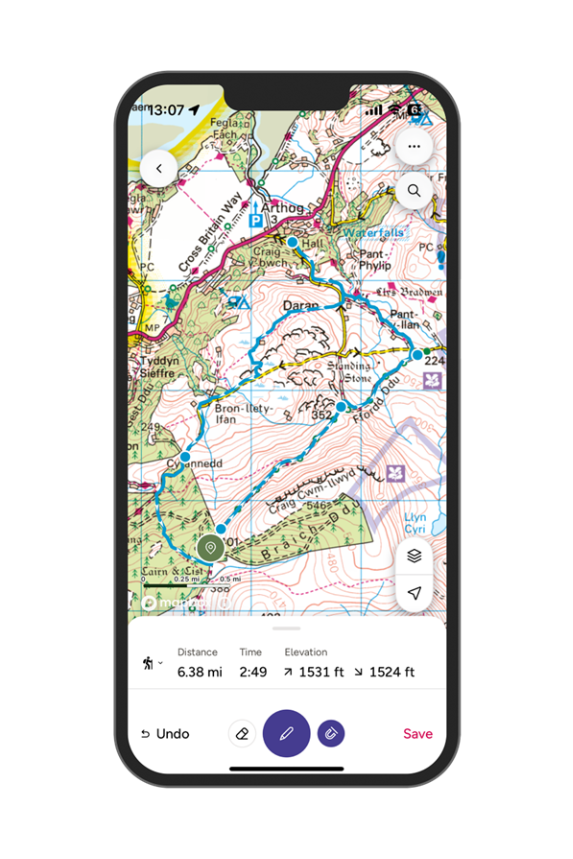
Snap to path route plotting
This route planning feature is one of the most appreciated tools in the app. It helps you create accurate walks with a tap to plot feature that automatically snaps to public rights of way, making route planning quick and reliable.
Tip: Use snap to path to test a few variations of your walk. Compare distances, ascent and estimated time so you can choose a version that suits your group’s pace and the day’s conditions.
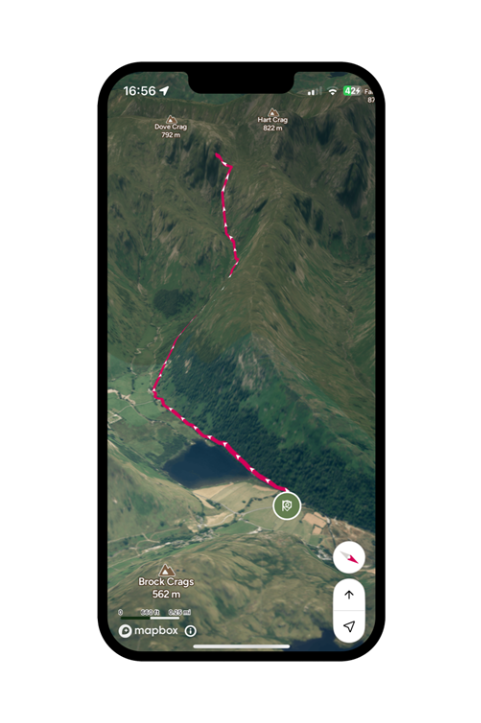
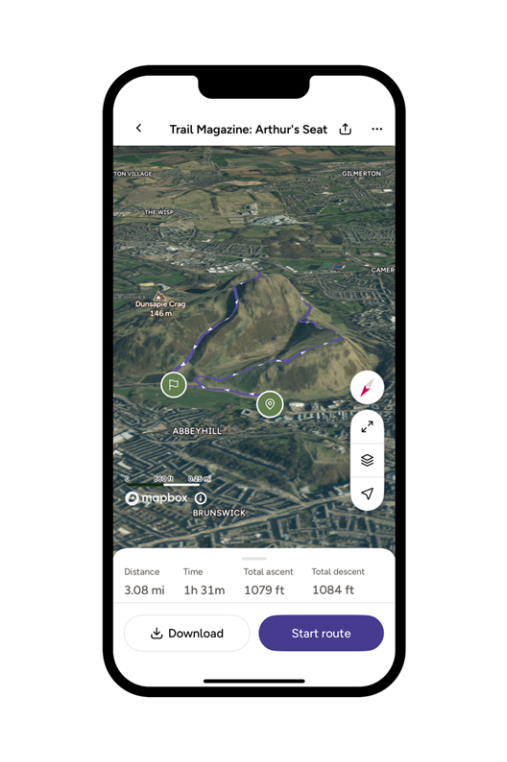
3D flythrough previews
You can play a 3D preview of your route in the app or on the web using aerial imagery to help you visualise the route before you head out.
Tip: Run a quick flythrough to identify steep climbs, exposed sections or good rest points. It is especially helpful when leading a mixed ability group or planning a new route in unfamiliar terrain.
Unlimited printouts of maps up to A3
Premium users can print as many OS Explorer and Landranger map sheets as they need from the web version, giving them reliable paper backups for any walk. It’s also fun for less experienced group members or children to have their own map to refer to.
Tip: Print the section covering your start point, key junctions and any alternative return routes. Laminating, printing on waterproof paper or packing it in a clear wallet keeps it usable in our variable spring weather.
If you’re interested in finding out more about OS Maps you can find more information here.
Don’t forget to use your Ramblers discount code RAMSPR26 at https://osmaps.com/subscribe/plans for a 60 day free trial of OS Maps premium, and try using it for your next walk. Offer ends 31st May 2026.
Offer terms and conditions
Enjoy a 60 day free trial of the OS Maps Premium Annual Subscription. After your trial your subscription continues at £35.99/year by automatic renewal unless you cancel. You can cancel at any time in your OS account [or your app store account if you started your subscription via Google Play or the Apple App Store]. This offer applies to OS Maps Premium Annual Subscription and is only available to new subscribers. It can’t be used with any other offer. One trial per person. Offer ends on 31/05/26. OS Maps EULA terms apply.
Discover more

6 spring walks that make the most of the season
Stroll out on a half-dozen easy ambles that showcase floral spectacles and Britain’s burgeoning wildlife.

How to read a map
Maps are simply a picture of the ground as seen from above. They are scaled down from life size and include symbols to show particular features and landmarks.

Features
Our latest stories, views and opinions on an abundance of themes and topics related to the world of walking.

Offers and promotions
Save money and help to raise funds for the Ramblers by taking advantage of our fantastic partner offers.